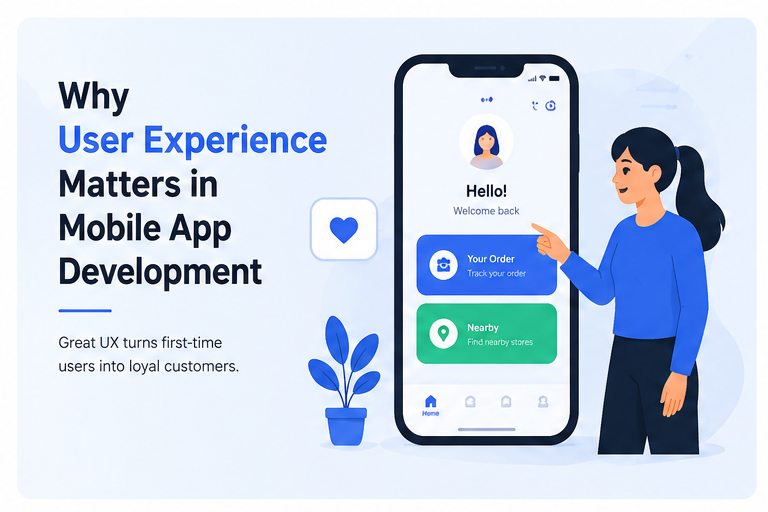
Mobile applications have become an important part of everyday life. People use apps to communicate, shop, manage money, study, order food, book transportation, watch entertainment, and complete countless other tasks. With millions of apps competing for attention, simply creating an application with useful features is no longer enough. Users also expect the app to be fast, simple, attractive, and easy to navigate.
This is where user experience in mobile app development becomes essential. User experience, commonly known as UX, focuses on how people feel when they interact with an application. A well-designed user experience makes tasks easier and encourages users to return. A poor experience, on the other hand, can cause frustration and lead users to uninstall an app within minutes.
For businesses and developers, investing in UX can improve customer satisfaction, retention, conversions, and the overall success of a mobile application.
What Is User Experience in Mobile App Development?
User experience refers to the complete experience a person has while using a mobile application. It includes much more than colors, buttons, or attractive graphics.
Mobile app UX considers factors such as:
- Ease of navigation
- App loading speed
- Accessibility
- Content readability
- Button placement
- Screen organization
- Registration and login processes
- Search functionality
- Checkout or payment experience
- Error messages and feedback
- Overall performance
The main objective is to help users accomplish what they want with as little confusion and effort as possible.
For example, imagine two food delivery apps offering the same restaurants and similar prices. One requires several complicated steps to place an order, while the other allows customers to find food, customize their order, pay, and track delivery easily. Most users will naturally prefer the simpler experience.
Why User Experience Matters in Mobile App Development
UX directly influences how users perceive an application. People often form an opinion about an app within their first few interactions.
If an application feels confusing, slow, or difficult to use, users may leave before discovering its useful features. Therefore, developers should consider UX throughout the entire development process rather than treating it as a final design adjustment.
1. UX Creates a Strong First Impression
First impressions are extremely important in mobile applications.
When users open an app for the first time, they immediately notice its layout, speed, navigation, and visual quality. A clean and organized interface can make an application appear trustworthy and professional.
A confusing interface can have the opposite effect.
The onboarding process is particularly important. New users should quickly understand what the application does and how they can benefit from it. Long registration forms, unnecessary permissions, and complicated tutorials can discourage people before they even start using the app.
Effective onboarding should be short, helpful, and focused on getting users to the application’s main value quickly.
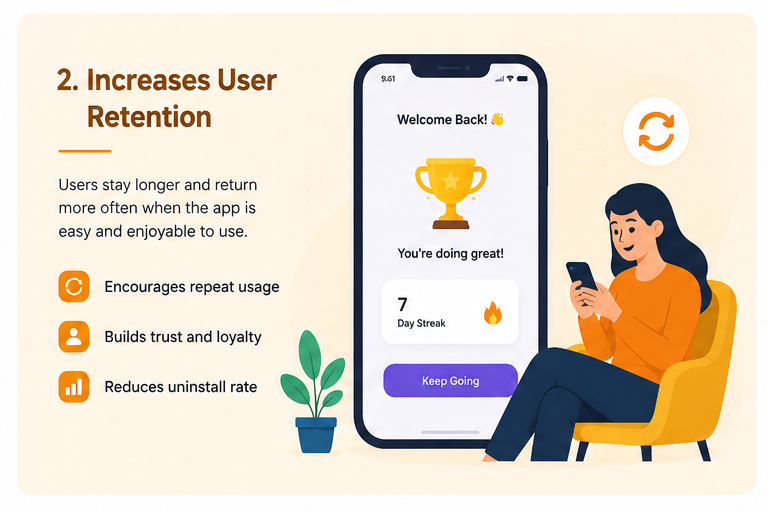
2. Good UX Improves User Retention
Getting someone to download an application is only the beginning. The bigger challenge is encouraging them to continue using it.
User retention is strongly connected to usability.
If users consistently find an application convenient and reliable, they have more reasons to return. Simple navigation, fast performance, personalized experiences, and useful features can all contribute to long-term engagement.
Poor UX can increase uninstall rates. Users have many alternatives available, so they rarely spend much time trying to understand a complicated application.
This makes retention one of the strongest reasons to prioritize user experience in mobile app development.
3. UX Makes Navigation Easier
Users should never feel lost inside a mobile application.
Navigation should help people understand where they are, what options are available, and how they can reach their desired destination.
Developers and UX designers can improve navigation by using:
- Clear menu structures
- Familiar icons
- Descriptive labels
- Consistent buttons
- Logical screen hierarchy
- Easy-to-find search options
- Simple back navigation
Consider an online shopping application. A customer should be able to move naturally from the homepage to a product category, open a product, add it to the cart, and proceed to checkout.
Every unnecessary step increases the possibility of the customer abandoning the process.
4. Better UX Can Increase Conversions
Mobile apps are often designed around specific business goals. An e-commerce app may want users to purchase products, while a streaming service may want them to subscribe. A banking application may encourage customers to use digital services rather than visiting a branch.
UX can directly influence these conversions.
Suppose an online store has excellent products but requires customers to complete a long and confusing checkout process. Some shoppers may abandon their carts before completing payment.
Simplifying the process can improve results.
A conversion-friendly mobile experience usually includes clear calls to action, simple forms, transparent information, secure payment options, and minimal unnecessary steps.
The easier it is to complete an action, the more likely users are to finish it.
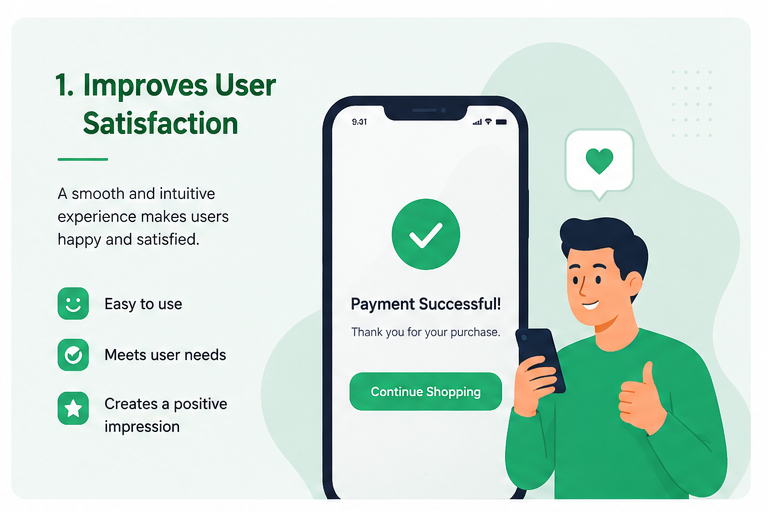
5. User Experience Builds Customer Satisfaction
A successful mobile application should solve a problem rather than create new ones.
Users appreciate apps that respect their time. Small UX improvements can significantly affect satisfaction.
For example, saving frequently used information can prevent users from repeatedly entering the same details. Providing clear confirmation after completing a payment can reassure customers that the transaction was successful.
Similarly, useful error messages can explain what went wrong and tell users how to fix the problem.
These details may appear small individually, but together they create a smoother and more satisfying experience.
6. UX Helps Build Trust
Trust is particularly important for applications dealing with sensitive information, such as banking, healthcare, e-commerce, and financial services.
Users want to feel confident that an application is legitimate and that their information is being handled responsibly.
A professional UX can support trust through:
- Consistent visual design
- Clear privacy information
- Transparent pricing
- Secure authentication
- Recognizable security indicators
- Accurate confirmation messages
- Easy access to support
For example, if a user makes a payment, the application should immediately provide clear confirmation. If a payment fails, the app should explain the situation rather than displaying a vague technical error.
Clear communication makes digital experiences feel more dependable.
7. Mobile UX Improves Accessibility
A good application should be usable by as many people as reasonably possible.
Accessibility considers users with different abilities, devices, screen sizes, and interaction requirements.
Developers can improve mobile accessibility by using readable font sizes, sufficient contrast, descriptive labels, appropriate touch-target sizes, keyboard support where relevant, and compatibility with assistive technologies.
Accessibility is not simply an additional feature. It is an important part of inclusive UX design.
An accessible application can reach a wider audience while providing a better experience for many users.
8. UX and App Performance Work Together
Beautiful design cannot compensate for poor performance.
Users expect mobile applications to respond quickly. Slow screens, freezing, crashes, and delayed interactions can damage the experience regardless of how attractive the interface looks.
Developers should therefore optimize:
Loading Speed
Screens and essential content should load quickly.
App Responsiveness
Buttons and interactive elements should respond immediately whenever possible.
Resource Usage
Applications should avoid unnecessarily consuming excessive battery power, memory, or mobile data.
Stability
Frequent crashes are among the fastest ways to lose users.
Technical performance and UX should therefore be treated as connected parts of mobile app development.
9. Consistency Makes Apps Easier to Learn
Consistency reduces the amount of effort users need to understand an application.
Buttons with the same purpose should look and behave similarly throughout the app. Fonts, icons, spacing, colors, and navigation patterns should also follow a consistent design system.
Imagine a shopping app where the “Buy Now” button changes position and appearance on every product screen. Users would need to search for it repeatedly.
Consistent interfaces become predictable, and predictability makes applications easier to use.
10. UX Can Reduce Development Costs Over Time
Some businesses view UX research and testing as additional expenses. However, identifying usability problems early can prevent expensive changes later.
Suppose developers build an entire application before testing its checkout flow with real users. If testing later reveals that customers find the process confusing, major redesign and development work may be necessary.
Testing prototypes earlier can identify these problems before significant resources are invested.
A UX-focused development process can therefore reduce unnecessary rework and help teams prioritize features users actually need.
Understanding UX vs. UI in Mobile Apps
UX and UI are closely related, but they are not exactly the same.
UI, or User Interface, focuses primarily on the visual and interactive elements of an application, including buttons, colors, typography, icons, layouts, and animations.
UX, or User Experience, considers the broader journey of using the application.
An app can have an attractive UI but still provide poor UX.
For example, a banking app may look modern but require ten confusing steps to transfer money. The interface might be visually impressive, but the experience is inefficient.
Successful mobile applications need both strong UI design and thoughtful UX.
The Role of User Research
Developers should avoid assuming that they already know exactly what users want.
User research helps teams understand actual behaviors, expectations, frustrations, and needs.
Research methods can include:
- User interviews
- Surveys
- Usability testing
- Analytics
- Feedback forms
- App reviews
- A/B testing
This information allows development teams to make decisions based on evidence rather than assumptions.
For example, analytics may reveal that many users abandon registration at the same step. UX researchers can investigate why this happens and recommend improvements.
Best Practices for Mobile App UX Design
Creating an effective mobile experience requires continuous improvement rather than a single design decision.
Keep the Interface Simple
Avoid filling screens with unnecessary information. Prioritize the actions users need most.
Design for Touch
Buttons and interactive elements should be large enough to tap comfortably.
Minimize User Effort
Reduce unnecessary forms, screens, and repeated actions.
Provide Immediate Feedback
When users tap a button or complete an action, the app should clearly indicate what happened.
Use Familiar Design Patterns
Users already understand common mobile conventions. Using familiar patterns can reduce the learning curve.
Test on Different Devices
An interface that works perfectly on one screen size may create problems on another.
Listen to User Feedback
Reviews and support requests can reveal usability issues that development teams may have overlooked.
Common Mobile UX Mistakes to Avoid
Even feature-rich applications can struggle because of basic usability mistakes.
One common problem is creating complicated registration processes. Asking for too much information before users can explore an application may cause them to leave.
Another mistake is overloading screens with buttons, advertisements, pop-ups, and notifications. Too many competing elements make it difficult for users to focus on their primary task.
Developers should also avoid unclear icons, inconsistent navigation, tiny buttons, slow animations, unnecessary permissions, and technical error messages that ordinary users cannot understand.
The goal should always be to remove friction rather than add it.
How UX Affects Mobile App SEO and Visibility
User experience can also indirectly support an application’s online growth.
Satisfied users are more likely to leave positive reviews, recommend an app to others, and continue using it. Strong engagement and positive ratings can improve an application’s reputation in app marketplaces.
For businesses that promote apps through websites, landing-page experience also matters. A clear website combined with a well-designed application can create a consistent customer journey from search discovery to app installation and continued usage.
Therefore, UX should be considered part of a broader digital growth strategy.
The Future of User Experience in Mobile Apps
Mobile UX continues to evolve as technology changes.
Artificial intelligence is making applications more personalized. Apps can increasingly recommend content, automate routine actions, and adapt experiences based on user behavior.
Voice interfaces are also becoming more practical for certain applications, while biometric authentication such as fingerprint and facial recognition can simplify secure access.
Other areas influencing future mobile experiences include augmented reality, wearable devices, foldable screens, conversational interfaces, and smarter accessibility features.
However, new technology should not be added simply because it is available. Every feature should solve a genuine user problem or make an existing process easier.
Final Thoughts
User experience matters in mobile app development because it determines how easily and comfortably people can use an application. Features may attract initial interest, but a smooth experience is what encourages users to stay.
Good UX improves navigation, customer satisfaction, accessibility, trust, conversions, and user retention. It can also help development teams identify problems earlier and reduce expensive redesign work.
For businesses competing in a crowded mobile market, UX should not be treated as decoration added after development. It should be considered from research and planning through design, development, testing, and future updates.
The most successful mobile applications are not necessarily those with the greatest number of features. They are often the ones that make valuable features feel simple.